Connected to
Widget, hosted help, tickets, and review
Team Access
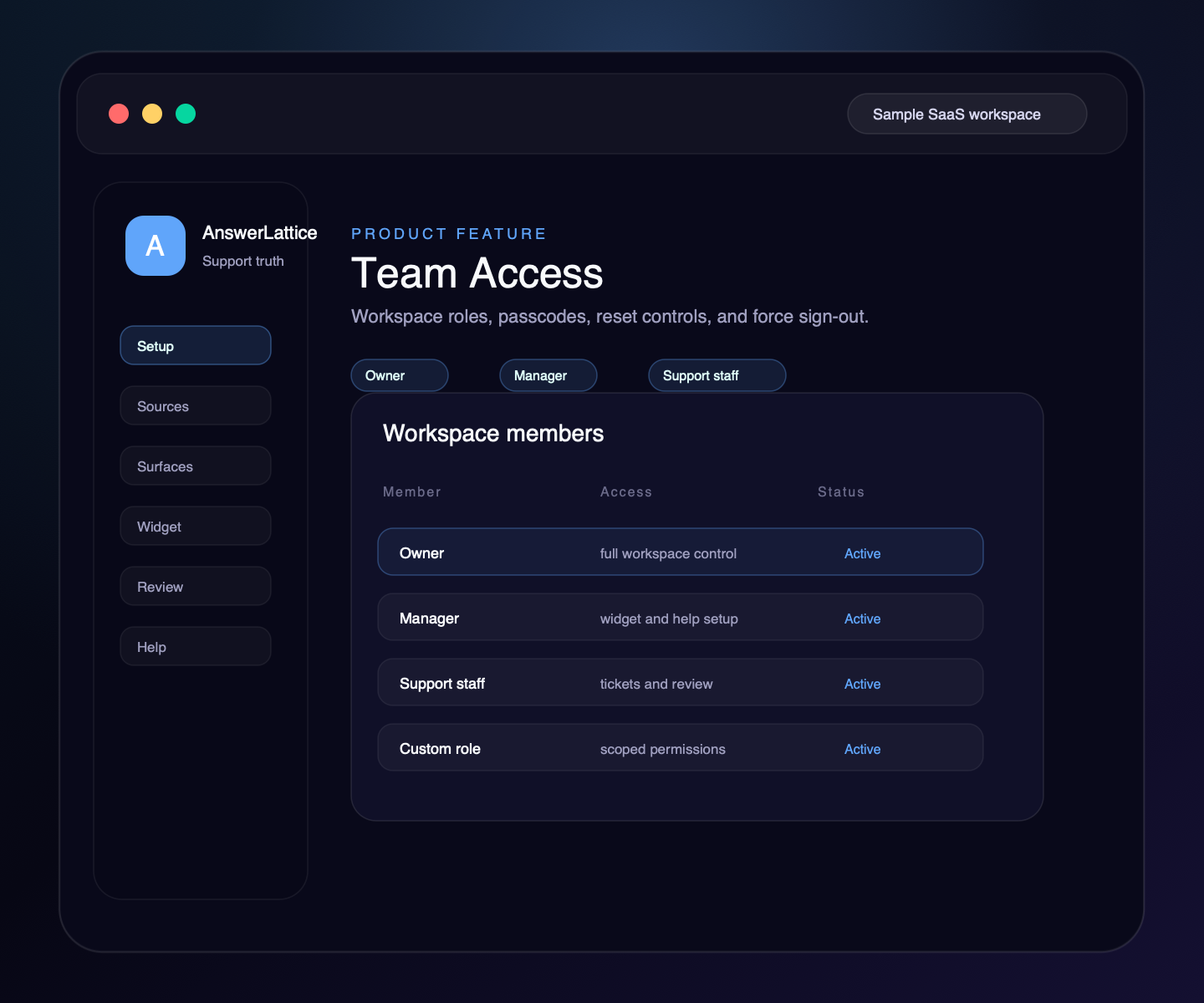
Invite workspace members, assign AnswerLattice-specific roles, reset login details, and force sign-out without exposing broad owner-level controls.
Widget, hosted help, tickets, and review
Drafts stay review work until approved
Shows what the feature changes in the support loop
Team Access
AnswerLattice now treats team management as part of the workspace control layer. Owners can add staff, assign role permissions, reset access, and keep support work role-scoped.
01 / Team Access
Add support leads, managers, or staff to the AnswerLattice workspace without giving every member owner-level access.
Use Owner, Manager, Support Staff, or custom AnswerLattice roles so billing, team, knowledge, widget, answer review, and support controls stay scoped.
Members can be added with an email setup path or an owner-managed staff ID and temporary passcode.
Owners can create a new temporary passcode, share it once, revoke active sessions, and keep the member record intact.
Sensitive access changes can revoke sessions instead of waiting for a member to sign out on their own device.
AnswerLattice roles use AnswerLattice permission claims and routes, so billing, widget, knowledge, support, and answer-review access can be controlled separately.
Workflow
Team Access gives AnswerLattice workspaces an owner-managed member lifecycle for support, answer review, billing, widget, and knowledge access.
The owner uses the AnswerLattice workspace team page.
Enter name, optional email, phone metadata, and the starting role.
Email users set their password; passcode users receive a one-time staff ID and temporary passcode.
Change roles or custom permission sets as the workspace team grows.
Create a new temporary passcode or force sign-out when access needs to be refreshed.
Connected product truth
Roles and reset controls matter because the same workspace contains billing, widget setup, support content, answer review, tickets, and release-aware knowledge.
Team Access stays tied to reviewed sources, safe page context, and owner-approved support output.
Support content feeds the widget, hosted help, tickets, and answer review from one controlled workspace.
Workspace members and roles
Owners can add the people who will help configure product details, pages, and starter knowledge.
Staff can be limited to support content work without receiving billing or role-management controls.
Widget configuration can stay with trusted managers instead of every support user.
Answer review and role assignment remain controlled so drafts do not become official without the right access.
Connected layer
A founder may start with team access, but the value comes from keeping it connected to setup, in-app support, hosted help, fallback, and approved-answer review.
Each feature is explained as something buyers already recognize: docs, FAQs, releases, tickets, feedback, notifications, or review work.
The feature does not live alone. It connects back to widget answers, hosted help, fallback, and owner review.
Drafts, generated content, ticket gaps, and feedback remain reviewable before anything becomes official support.
Create your workspace, add team access, teach AnswerLattice from starter sources, and map the pages where users need help.
Install one widget, pass safe page hints, accept explicit screenshot context, control allowed domains, and answer users inside your app.
Publish docs, FAQs, custom owner answers, and release notes; manage fallback tickets, feedback, ratings, and feature requests from one connected support layer.
Review drafts, repeated misses, stale answers, coverage, and readiness before support becomes official.
Worth checking
Answer the evaluation questions before setup: how it launches, what stays safe, and how it differs from nearby support tools.
Show how the feature fits into the widget, hosted help, fallback, and owner review before users depend on it.
View product mapReview safe page context, blocked private data, owner roles, fallback behavior, and approved-answer authority.
Review securitySee where AnswerLattice fits against chatbots, helpdesks, and static knowledge bases without treating them as the same product.
Compare optionsQuestions
No. The roles and permissions are AnswerLattice-specific and apply only to the AnswerLattice workspace.
Yes. Owners can create a new temporary passcode and revoke active sessions. Email-backed members receive setup email when first created.
Team members use the AnswerLattice dashboard and team page with the permissions assigned to their workspace role.
AnswerLattice works best when team access stays connected to widget answers, hosted help, tickets, and answer review.