Context
Safe page context for relevant help
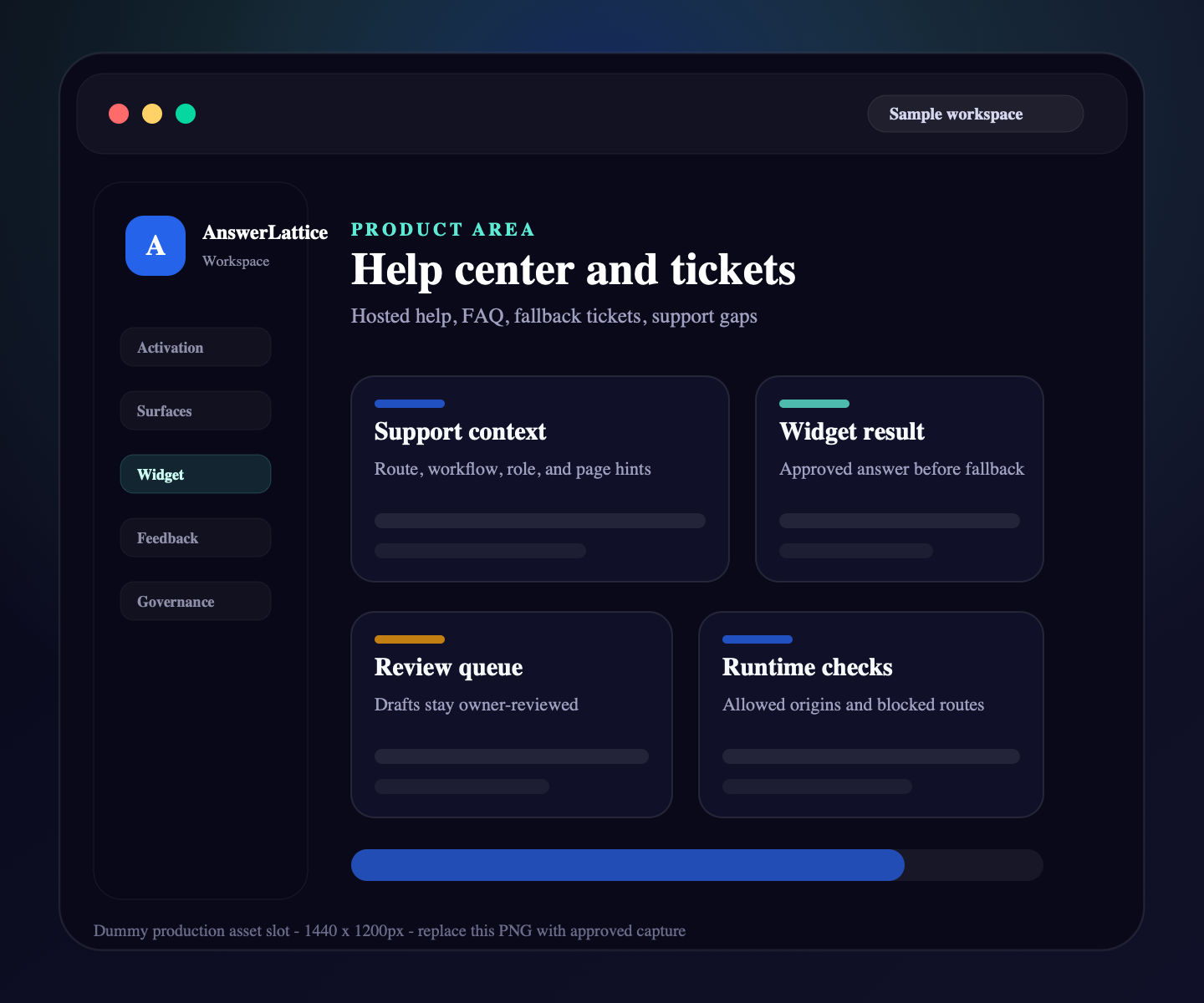
Help center and tickets
AnswerLattice gives you a practical support layer for hosted help, in-app answers, custom owner answers, ticket fallback, feedback review, conversations, private Support Board follow-up, weekly review output, and owner notifications.
Safe page context for relevant help
Approved answers before fallback
Owner approval before official guidance
Widget, hosted help, tickets, and signals connected
Where this fits
Founders can start with one support problem, then keep sources, user-facing surfaces, owner control, and support-gap review moving together.
Docs, product pages, FAQs, release notes, screenshots, tickets, and repeated replies become setup material.
The widget, hosted help center, FAQ, changelog, and ticket fallback share the same support layer.
Drafts and generated guidance stay review work until the owner approves what becomes official.
Fallback, ratings, feedback, and stale support turn into the next review pass.
What this gives the owner
Instead of a standalone docs site, isolated ticket inbox, and separate release notes, AnswerLattice keeps customer support connected by product surface.
01 / Help center and tickets
Long-form articles remain available for reviewed support content and hosted help.
Safe page context for relevant help
Approved answers before fallback
Owner approval before official guidance
Widget, hosted help, tickets, and signals connected
Owner-written answers and article-backed FAQs give users short answers and keep related article context nearby.
Release notes can stay connected to product surfaces and affected support answers.
Help Center feedback can be reviewed by owners, grouped by Product Surface, and synced into Support Board when it reveals a support gap.
Tickets can include capped, sanitized debugging context to reduce back-and-forth.
Owners can track selected support gaps, private notes, status history, and answer proposal follow-up.
Slack and email delivery can surface digest output, coverage drops, repeated failures, and test results.
Workflow
Support Control is practical: publish help, answer users, accept fallback tickets, collect feedback, track selected follow-up on Support Board, notify owners when attention is needed, and turn unresolved issues into review work.
Create or import docs, FAQs, custom answers, and release notes for the hosted help center.
Assign content to the routes and workflows where users need it.
Serve approved answers, owner FAQ answers, and related support before fallback.
When coverage is missing, route the user to a ticket with safe context.
Use feedback, ratings, requests, and suggestions by Product Surface to spot support content gaps.
Use Support Board for private notes, status history, and answer-proposal handoff when an item needs owner review.
Use Slack or email for test delivery, critical alerts, and digest-first support review summaries.
Use digest, board, and signal views to decide which support content needs owner attention.
Before you launch
Remove evaluation doubt with setup, security, and category-fit checks that stay tied to the implemented product.
Check the widget contract, framework guides, safe context rules, and verification path before launch.
Open install guideReview what the widget can see, what stays blocked, and how owner-approved answers remain authoritative.
Review securityCompare AnswerLattice with chatbots, helpdesks, and static knowledge bases before choosing the support layer.
Compare options