Context
Safe page context for relevant help
Set up support
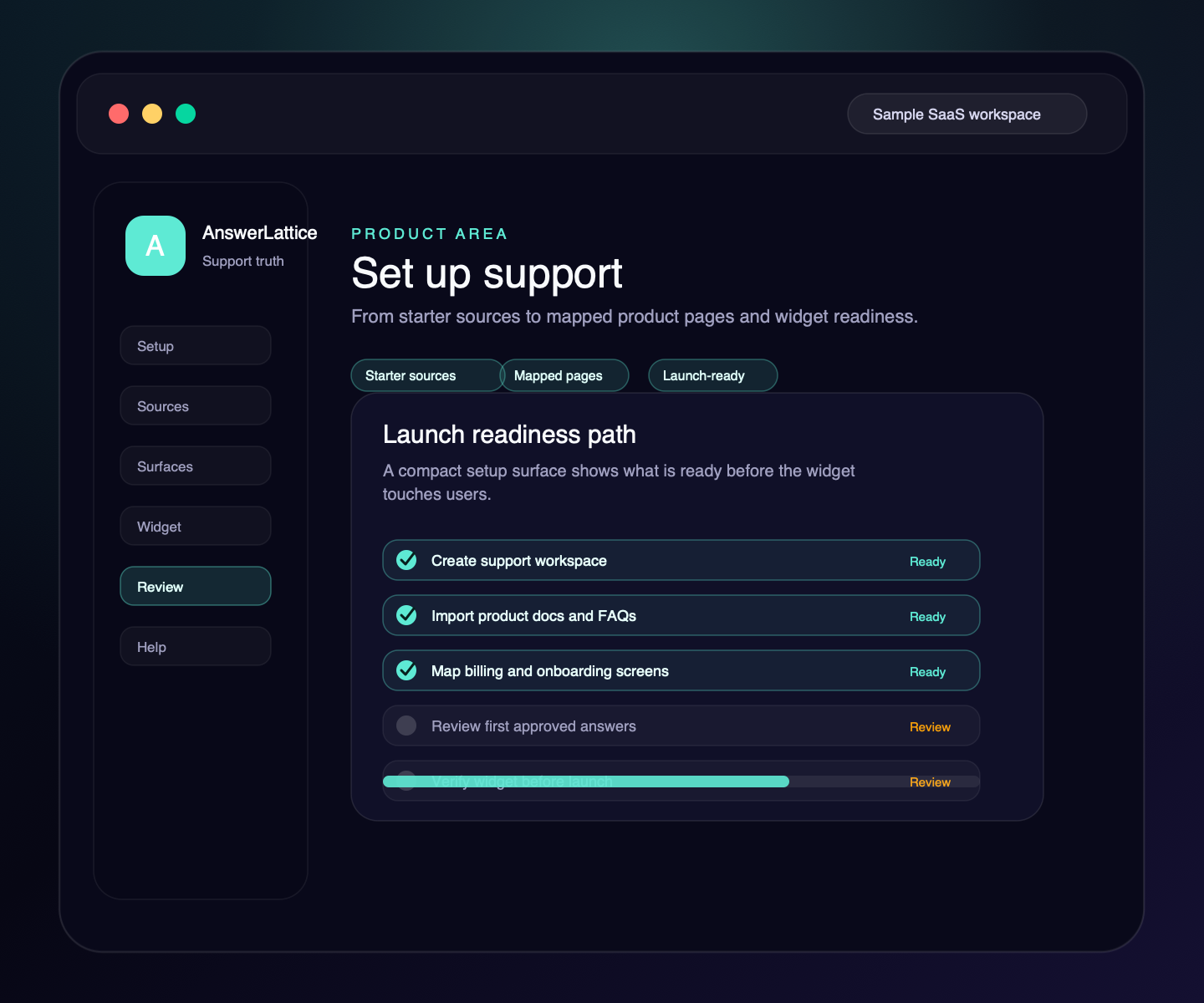
Create a workspace, add your app, invite team members, import starter knowledge, map the pages where users need help, and verify the widget before support goes live.
Safe page context for relevant help
Approved answers before fallback
Owner approval before official guidance
Widget, hosted help, tickets, and signals connected
Where this fits
Founders can start with one support problem, then keep sources, user-facing surfaces, owner control, and support-gap review moving together.
Docs, product pages, FAQs, release notes, screenshots, tickets, and repeated replies become setup material.
The widget, hosted help center, FAQ, changelog, and ticket fallback share the same support layer.
Drafts and generated guidance stay review work until the owner approves what becomes official.
Fallback, ratings, feedback, and stale support turn into the next review pass.
What this gives the owner
A buyer should know exactly what remains before launch: setup, content, product surfaces, widget runtime, governance summaries, and first approved answers.
01 / Set up support
Keep setup focused on the proof that support is usable: profile, team access, import, surfaces, widget, governance summaries, signal sources, and answer review.
Safe page context for relevant help
Approved answers before fallback
Owner approval before official guidance
Widget, hosted help, tickets, and signals connected
Google sign-in and workspace creation get the founder into AnswerLattice without a sales-led project.
Owners start with the screens where users actually get stuck instead of building a generic docs tree.
Generated drafts and early support answers stay review work until the owner approves them.
Owners can reset temporary passcodes and force sign-out when a workspace member needs refreshed access.
The widget key is shown for setup and managed through widget settings without exposing tenant or store IDs.
Workflow
AnswerLattice makes setup concrete: add product identity, invite the right team, import what exists, map pages, verify install, then approve the first answers.
Sign in, enter company and product details, and create the AnswerLattice workspace.
Add workspace members with the right AnswerLattice role before support work spreads.
Bring starter docs, FAQs, custom answers, release notes, or common support answers.
Choose the billing, onboarding, settings, release, and error pages that need contextual help.
Install one script, allow your domains, block sensitive routes, and verify page context.
Review drafts and early approved answers before relying on fallback.
Before you launch
Remove evaluation doubt with setup, security, and category-fit checks that stay tied to the implemented product.
Check the widget contract, framework guides, safe context rules, and verification path before launch.
Open install guideReview what the widget can see, what stays blocked, and how owner-approved answers remain authoritative.
Review securityCompare AnswerLattice with chatbots, helpdesks, and static knowledge bases before choosing the support layer.
Compare options