Connected to
Widget, hosted help, tickets, and review
Changelog
AnswerLattice connects changelog entries to product surfaces, tags, affected entities, and support content so releases become review triggers instead of stale support risk.
Widget, hosted help, tickets, and review
Drafts stay review work until approved
Shows what the feature changes in the support loop
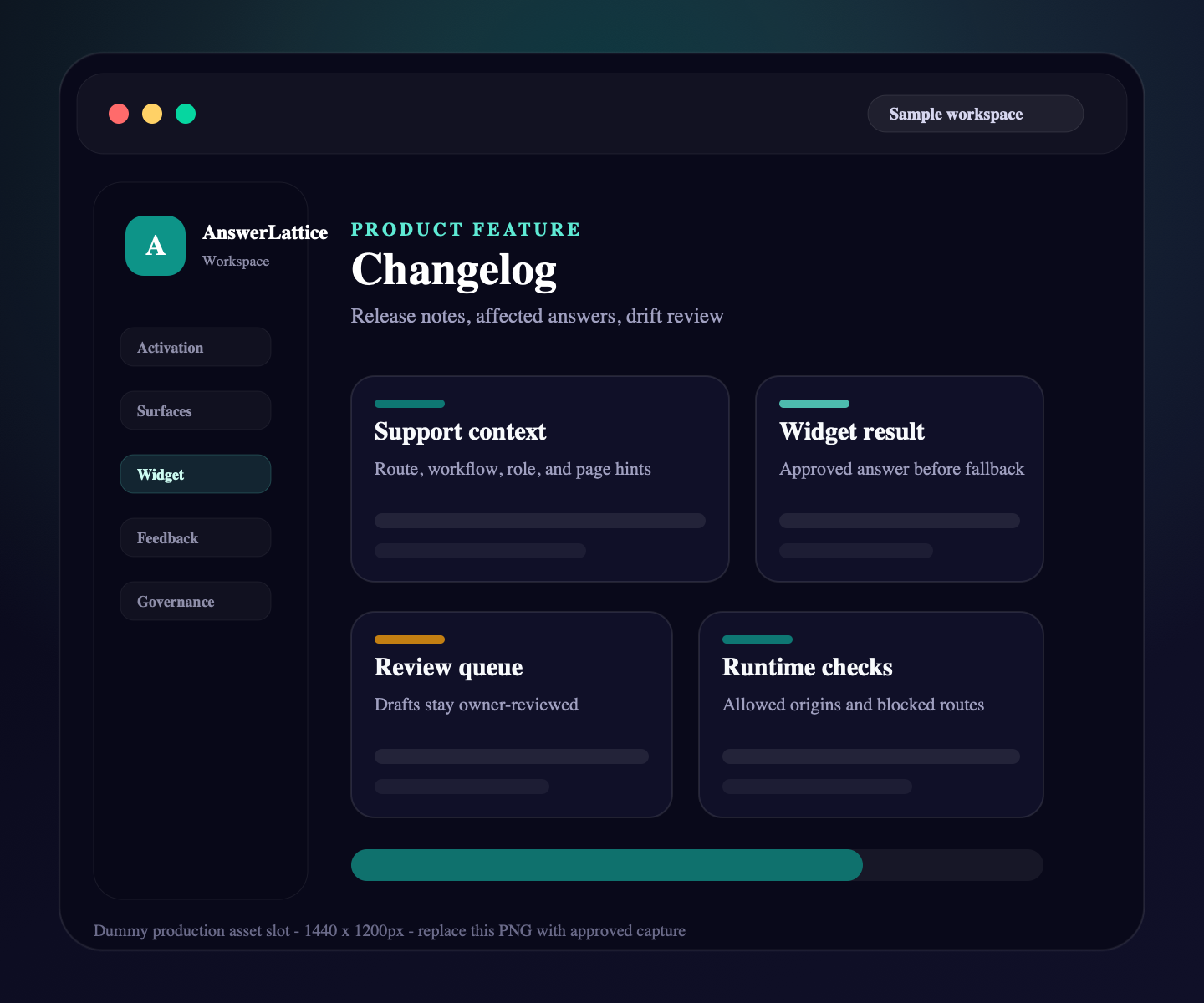
Changelog
A changelog should do more than announce features. In AnswerLattice it also helps owners see which answers, articles, and FAQs may need review after a release.
01 / Changelog
Publish release notes that users can read from hosted help or support surfaces without exposing workspace internals.
Connect changes to routes, workflows, tags, and entities so support context understands what changed.
Point users to updated docs and help owners find support content that needs follow-up.
A release can expose stale answers, deprecated flows, or scope conflicts before users receive wrong help.
Help Center and widget surfaces can show relevant product movement beside current support answers.
Workflow
AnswerLattice treats product changes as support events. When the product moves, support content gets a review path.
Describe what changed in customer-readable language.
Connect the update to pages, workflows, entities, tags, and related articles.
Check approved answers and FAQs that may now be outdated.
Expose the update through hosted help and in-app support where useful.
Connected product truth
Changelog entries help support stay accurate because they connect product movement to articles, answers, FAQs, tickets, and stale-answer signals.
Changelog stays tied to reviewed sources, safe page context, and owner-approved support output.
Support content feeds the widget, hosted help, tickets, and answer review from one controlled workspace.
Publish release notes for customers
Release notes point to articles that explain the change.
Affected answers can be reviewed after product changes.
Short answers can be refreshed when release behavior changes.
Post-release tickets and feedback reveal where users remain confused.
Connected layer
A founder may start with changelog, but the value comes from keeping it connected to setup, in-app support, hosted help, fallback, and approved-answer review.
Each feature is explained as something buyers already recognize: docs, FAQs, releases, tickets, feedback, notifications, or review work.
The feature does not live alone. It connects back to widget answers, hosted help, fallback, and owner review.
Drafts, generated content, ticket gaps, and feedback remain reviewable before anything becomes official support.
Create your workspace, add team access, teach AnswerLattice from starter sources, and map the pages where users need help.
Install one widget, pass safe page hints, accept explicit screenshot context, control allowed domains, and answer users inside your app.
Publish docs, FAQs, custom owner answers, and release notes; manage fallback tickets, feedback, ratings, and feature requests from one connected support layer.
Review drafts, repeated misses, stale answers, coverage, and readiness before support becomes official.
Worth checking
Answer the evaluation questions before setup: how it launches, what stays safe, and how it differs from nearby support tools.
Show how the feature fits into the widget, hosted help, fallback, and owner review before users depend on it.
View product mapReview safe page context, blocked private data, owner roles, fallback behavior, and approved-answer authority.
Review securitySee where AnswerLattice fits against chatbots, helpdesks, and static knowledge bases without treating them as the same product.
Compare optionsQuestions
No. The public update is useful, but the support value comes from connecting each change to affected support content.
Yes, when it is relevant to the current product surface and safe to show as related support context.
No. Release impact can create review work, but authoritative answers remain human-approved.
AnswerLattice works best when changelog stays connected to widget answers, hosted help, tickets, and answer review.