Context
Safe page context for relevant help
In-app help widget
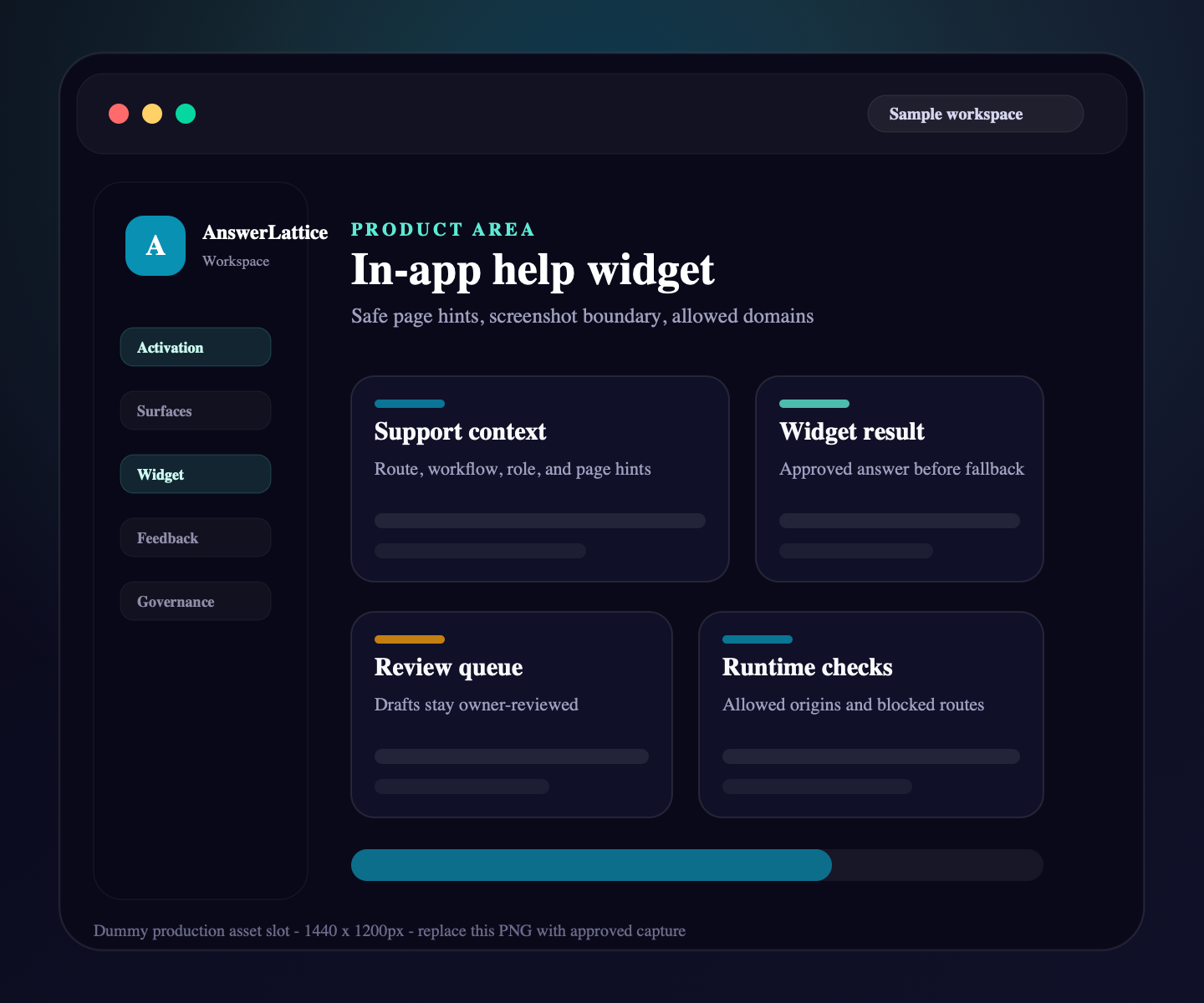
Install one widget, pass safe page hints, let users attach screenshots explicitly when visual context helps, and serve approved answers, owner FAQ answers, related docs, configured proactive prompts, or fallback tickets based on where the user is stuck.
Safe page context for relevant help
Approved answers before fallback
Owner approval before official guidance
Widget, hosted help, tickets, and signals connected
Where this fits
Founders can start with one support problem, then keep sources, user-facing surfaces, owner control, and support-gap review moving together.
Docs, product pages, FAQs, release notes, screenshots, tickets, and repeated replies become setup material.
The widget, hosted help center, FAQ, changelog, and ticket fallback share the same support layer.
Drafts and generated guidance stay review work until the owner approves what becomes official.
Fallback, ratings, feedback, and stale support turn into the next review pass.
What this gives the owner
Product owners get practical controls for install, appearance, route behavior, and context without exposing internal IDs.
01 / In-app help widget
Install the widget once and let dashboard settings control runtime behavior.
Safe page context for relevant help
Approved answers before fallback
Owner approval before official guidance
Widget, hosted help, tickets, and signals connected
The same question can resolve differently on invoices, onboarding import, team permissions, or release pages.
Users can move from the widget to hosted docs, owner FAQs, and changelog content on your support domain.
Negative feedback and fallback answers become review work, not invisible chat noise.
Users can add a screenshot to explain visual errors, while AnswerLattice keeps automatic page capture out of the runtime.
Rule-based prompts can appear only when active triggers and approved support summaries exist for the page.
Workflow
AnswerLattice separates the runtime key, allowed origins, blocked routes, page context, and proactive capability checks so widget behavior stays maintainable.
Create the widget credential from the AnswerLattice dashboard and copy it during setup.
Place the widget snippet in the client product shell or selected app surfaces.
Add allowed origins and blocked routes so the widget appears only where it should.
Pass page, feature, workflow, role, or plan hints; screenshot input stays user-initiated, optional, and bounded.
Use active triggers for pages that benefit from proactive help; inactive workspaces skip those calls.
Use fallback and feedback signals to improve approved answers, owner FAQs, and source articles over time.
Before you launch
Remove evaluation doubt with setup, security, and category-fit checks that stay tied to the implemented product.
Check the widget contract, framework guides, safe context rules, and verification path before launch.
Open install guideReview what the widget can see, what stays blocked, and how owner-approved answers remain authoritative.
Review securityCompare AnswerLattice with chatbots, helpdesks, and static knowledge bases before choosing the support layer.
Compare options